A practical structure for better AI video prompts
 ArtCreate Editorial
Use subject, action, scene, camera, light, motion, and timing to write video prompts that are easier to control.
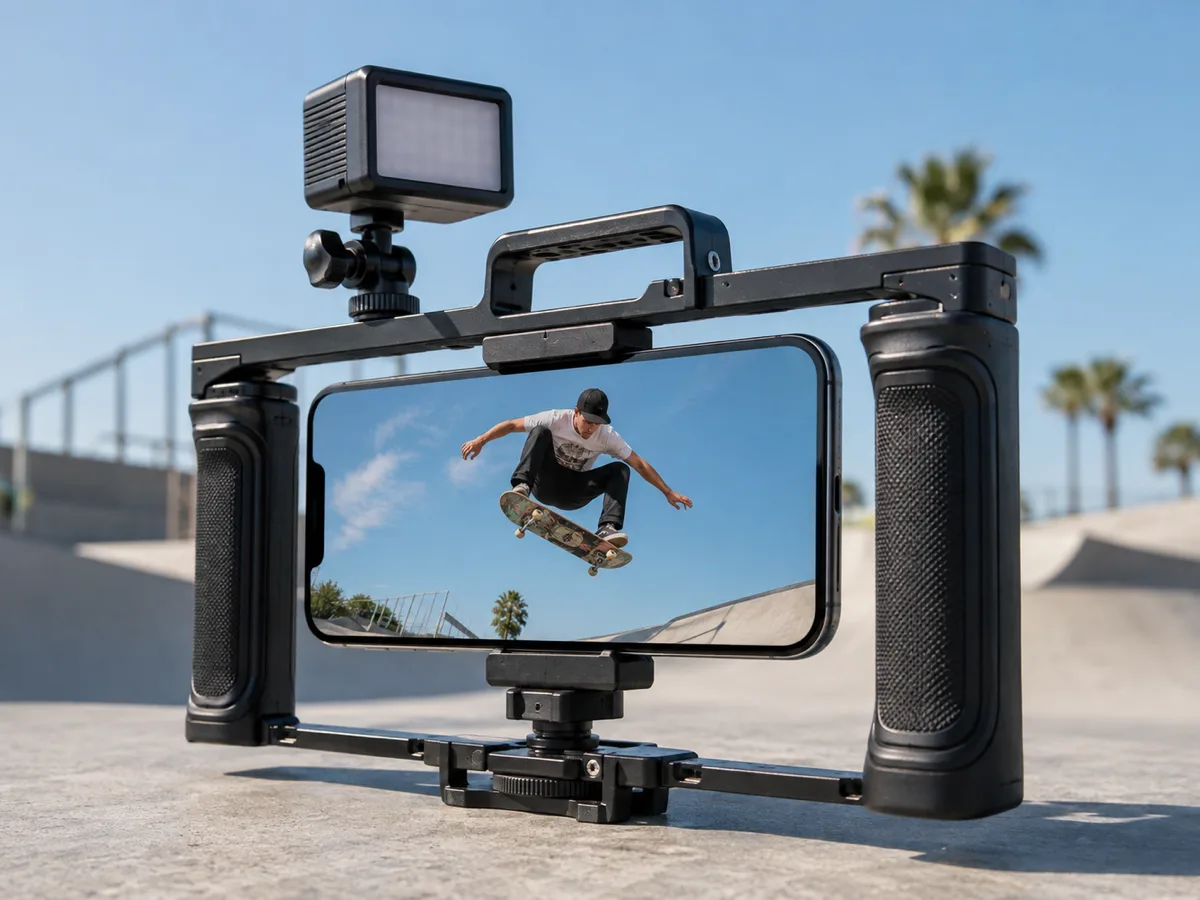
A strong video prompt is closer to a compact shot brief than a list of adjectives. It tells the model what must remain stable and what should change over time.
Use seven building blocks
- Subject: who or what the shot follows, including defining details.
- Action: one clear movement that can fit the selected duration.
- Scene: location, time, weather, and important background elements.
- Camera: shot size, angle, lens feel, and camera movement.
- Light and color: direction, contrast, palette, and atmosphere.
- Motion: pace, secondary movement, and what should stay still.
- Timing: how the shot begins, develops, and ends.
For example: “A ceramic perfume bottle on dark stone, a thin ribbon of mist moving behind it. Slow 10 cm push-in, eye-level macro view, soft window light from the left, cool gray palette, shallow depth of field. The label remains sharp and unchanged. End on a clean centered product frame.”
Match the method
For text-to-video, describe the full visual state. For image-to-video, do not repeat every visible detail; focus on desired movement and what must remain consistent. For video-to-video, describe the transformation while protecting composition, timing, and identity.
Change one variable at a time
If a result is close, keep the seed or reference where supported and adjust one of camera, action, timing, or style. Changing everything makes it harder to learn why the result improved.
Use negative controls carefully
Negative prompts work best for a short list of high-impact problems such as text distortion, extra objects, camera shake, or identity drift. A long contradictory list can reduce prompt clarity.
Review before publishing
Check each frame for continuity, logos, text, anatomy, identifiable people, and audio rights. AI output may contain unexpected details even when the prompt is precise.
Open the AI video generator, send the direction into a Workspace project, and adapt this structure with the model-specific controls available there.