Design AI effects from your references
Describe what should change, upload reference images, and choose a new or existing project. The creative assistant carries the effect direction and source material into Workspace.
Sign in to restore your inputs and continue creating a project.
AI Effects Gallery
Discover stunning AI-powered effects to enhance your creative projects.
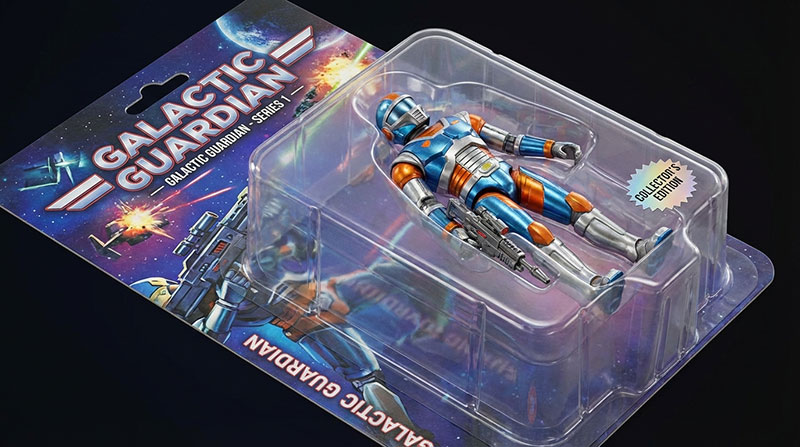
Action Figure Generator
Turn any photo into a collectible 3D action figure with custom packaging.
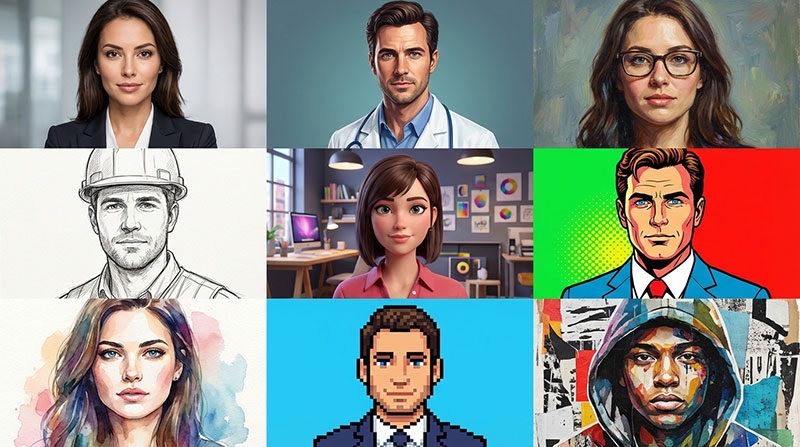
Avatar Maker
Create professional and artistic avatars perfect for social profiles.
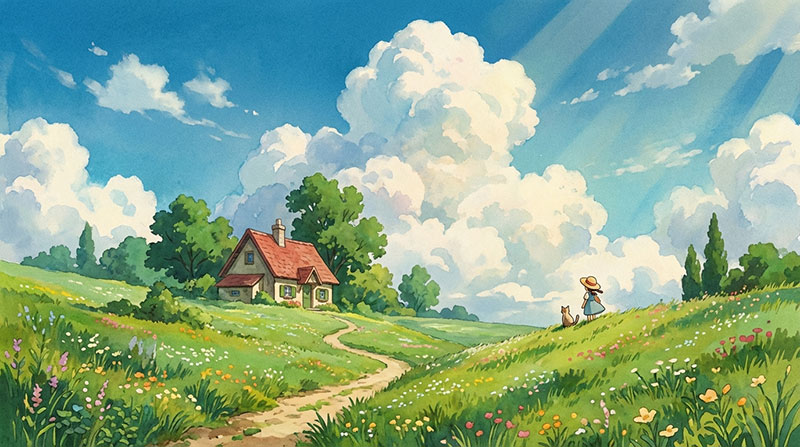
Ghibli AI Generator
Transform real photos into enchanting Studio Ghibli style anime art.
Why Choose Our AI Effects?
Professional tools designed for creators
Frequently Asked Questions
Everything you need to know about AI Effects
What types of effects are available?
We offer a wide range of effects including artistic styles, photo filters, cinematic effects, color grading, and video transformations. New effects are added regularly.
Can I use effects on both images and videos?
Yes! Our AI effects work on both images and videos. Some effects are optimized for images while others work best with video content.
Can I customize the effect intensity?
Yes. In Workspace, you can confirm intensity, aspect ratio, and other generation settings supported by the selected model before execution.
What file formats are supported?
We support common image formats (PNG, JPG, WebP) and video formats (MP4, WebM, MOV). You can export in your preferred format.
How long does it take to apply effects?
Most effects are applied instantly to images. Videos may take a few seconds to a minute depending on length and complexity.
Can I combine multiple effects?
Yes! You can apply and blend multiple effects together to create unique looks and achieve your creative vision.
Bring your effect direction into Workspace
Start with one clear transformation brief and your reference material, then keep every next step in the same project.