AI Image to Image Generator

AI Image to Image Generator
Transform your existing images into new creative masterpieces. Upload a photo and use AI to change styles, enhance details, or completely reimagine the composition.

Style TransferPhoto EnhancementCreative EditingHigh Resolution
My media
Image to Image Generator
Reference Image(0/9)

Upload reference images, support multiple images

AI Image to Image Generator
Generated results
Sample Results
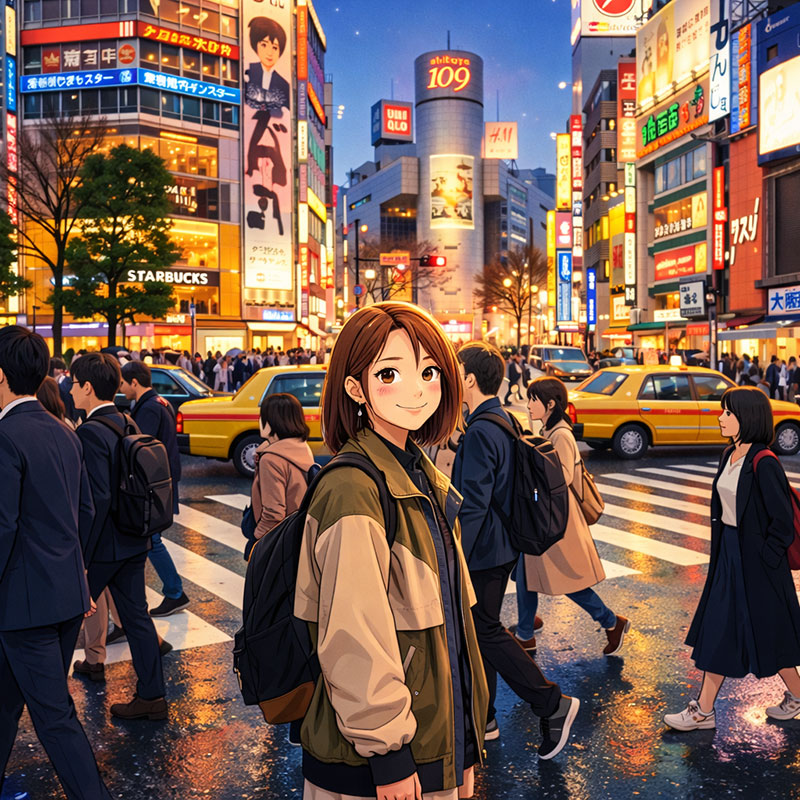
Photo to Anime

Photo to Anime

Transform photos into beautiful anime style artwork
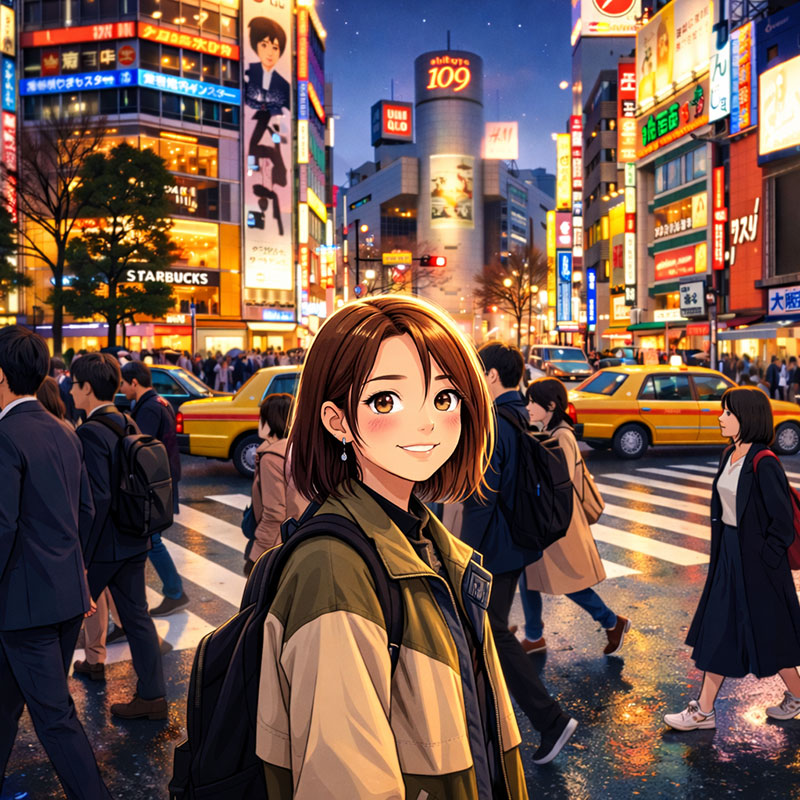
Portrait Enhancement

Portrait Enhancement

Enhance portrait details and lighting
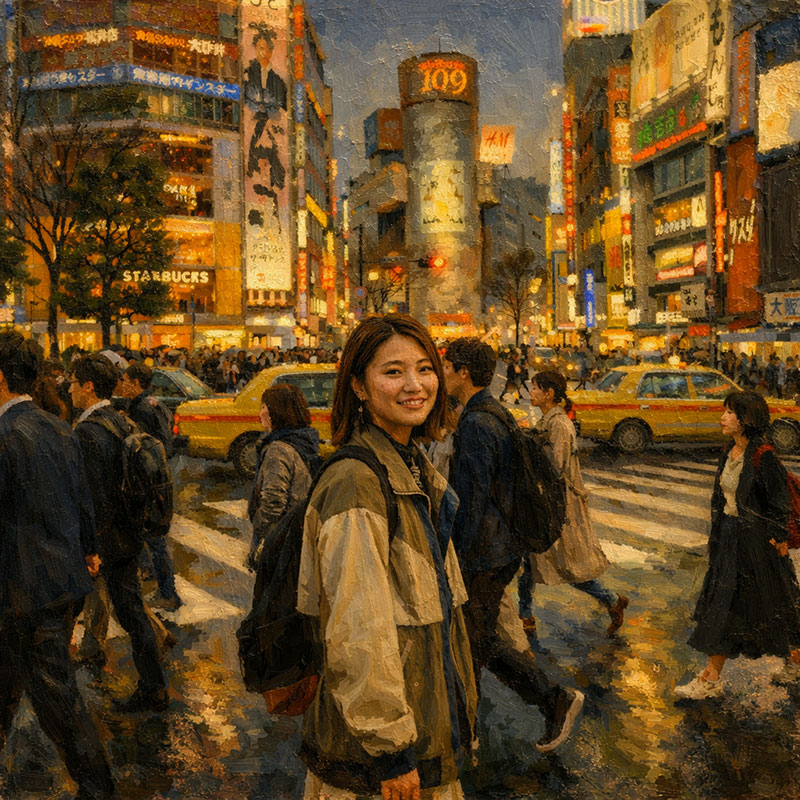
Oil Painting Effect

Oil Painting Effect

Convert photos to classical oil painting style
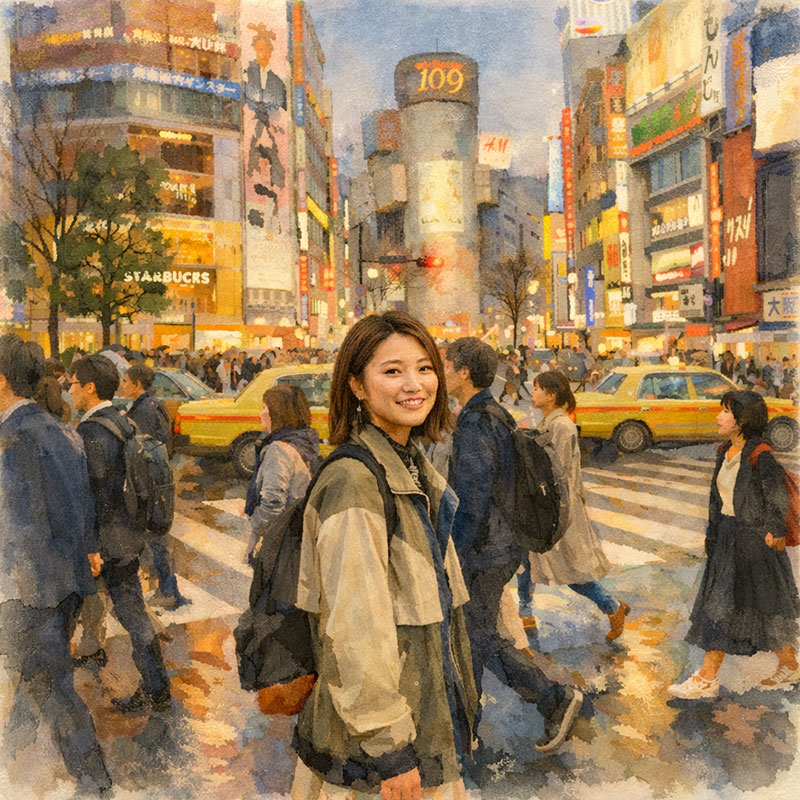
Watercolor Art

Watercolor Art

Transform to soft watercolor painting

Key Features

  • Apply different artistic styles to your images
  • Enhance image quality, resolution, and clarity
  • Maintain the original content while transforming the style
Sign In
Feature overview

AI Image to Image Generator

Transform your existing images into new creative masterpieces. Upload a photo and use AI to change styles, enhance details, or completely reimagine the composition.
Style TransferPhoto EnhancementCreative EditingHigh Resolution
AI Image to Image Generator

How to Transform Images with AI

Create amazing variations in 3 simple steps

1

Upload Reference Image

Drag and drop your photo or sketch. This will serve as the structural base for the image to image generation process.

2

Describe the Changes

Enter a text prompt describing the desired style, colors, or new elements. Be specific to guide the AI photo generator effectively.

3

Generate & Download

Click 'Generate' to see your image transform instantly. Compare different versions and download your favorite AI art.

Why Use Our AI Image to Image Generator?

The most powerful AI tool for image transformation and style transfer

Advanced Style Transfer

Instantly apply artistic styles to your photos. Turn portraits into Anime, oil paintings into sketches, or photos into 3D renders with our AI style transfer technology.

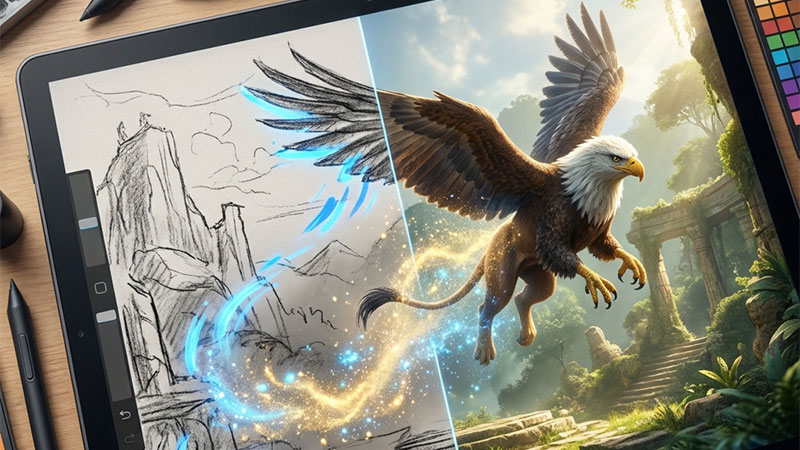
Sketch to Realistic Image

Turn rough sketches and drawings into fully rendered, high-quality images. Perfect for architects, designers, and artists using sketch to image AI workflow.

Structure Preservation

Our AI intelligently preserves the structure and composition of your original image while applying new styles and details. The best image to image AI for controlled editing.

Batch Processing

Enhance your workflow by uploading up to 9 images at once. Apply consistent styles across multiple photos with our bulk image processor.

Fast & Affordable

Get professional results in seconds for just 4 credits. A cost-effective solution for high-volume AI photo editing needs.

High Quality Output

Download your transformed images in high resolution. Suitable for printing, digital marketing, and professional portfolios.

Applications & Use Cases

Unlock endless creative possibilities

Concept Art & Illustration

Rapidly explore visual variations. Turn simple blockouts or sketches into detailed concept art for games and movies using AI image generator.

Interior Design & Architecture

Visualize your ideas instantly. Convert floor plans or rough sketches into photorealistic interior renders and architectural visualizations.

Fashion & Product Design

Experiment with fabrics, colors, and styles on product photos without reshooting. Create unlimited product variations with AI photo editing.

Anime & Cartoon Style

Turn selfies and portraits into stunning Anime characters, cartoons, or caricatures. Create unique avatars for your social media profiles.

Photo Restoration & Enhancement

Breathe new life into old photos. Enhance details, fix lighting, or reimagine the style of vintage photographs with modern AI technology.

Social Media Content

Create scroll-stopping visuals for Instagram and TikTok. Transform ordinary photos into viral-worthy artistic masterpieces.

Trusted for Image Transformation

100K+
Images Transformed
3K+
Active Users
4
Credits Per Transformation

Frequently Asked Questions

Everything about Image to Image transformation

How does Image to Image work?

You upload a source image and provide text instructions about what changes you want. The AI models use your image as a reference and apply the requested modifications.

What image formats are supported?

We support JPG, PNG, GIF, and WebP formats. Images are automatically optimized for processing.

Can I upload multiple images?

Yes! You can upload up to 9 images at once and transform them individually or as a batch.

What's the size limit for images?

The maximum file size is 50MB per image. We recommend keeping images under 10MB for faster processing.

Do I own the transformed images?

Yes! All transformed images belong to you. You can use them freely and own the copyright.

How much detail do I need in the prompt?

More detailed prompts usually give better results. Describe the style, mood, colors, and changes you want specifically.

Ready to Transform Your Images?

Start creating amazing image variations today